|
<< Click to display Table of content >> Redesign of the label creation window |
  
|
|
<< Click to display Table of content >> Redesign of the label creation window |
|
Redesign of the label creation window
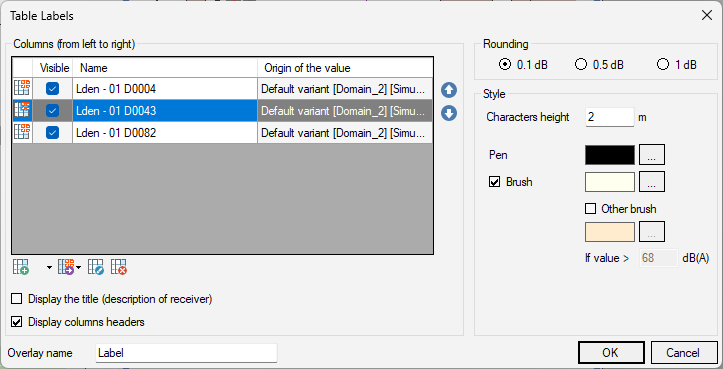
The label creation window has been redesigned to make it easier to use.
It now contains of the following elements:
•A table detailing each column:
oA column can be edited by double clicking on it or by selecting it and clicking on the  button.
oA column can be added by clicking on the  button then choosing the type of column to add:
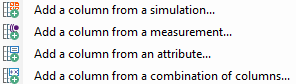
oSeveral columns can be added at once by clicking on the button and choosing the method of adding columns:

oA column can be decomposed into several columns by clicking on the  button and choosing the generalization mode:
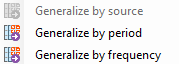
oA column can removed by selecting it and clicking on the  button.
•A check box allowing to display a title in each label. This title corresponds to the description of the receiver.
•A checkbox allowing to display the column headers in the label.
•Some radio buttons allowing to specify which type of rounding to apply to the values of the label.
•Some style parameters.
For more information, go to the Labels page of the documentation.